
The Morphing Screen: Generative UI & Future Apps
Why static icon grids are reaching their limit and how dynamic interfaces compile on the fly
For nearly two decades, our interaction with digital technology has been governed by a rigid visual metaphor: the grid of colored icons. Ever since Apple introduced the App Store in July 2008, the fundamental user journey on smartphones has remained unchanged. You open a store, search for a single-purpose program, download a 150-megabyte package, authenticate an account, and accept a static set of buttons designed by a team months prior. Whether you want to check local weather, order tacos, or review a blood pressure log, you navigate into a distinct software silo.
That paradigm is quietly breaking down. The sheer volume of applications on modern devices has created an unexpected strain on human attention. The average smartphone user in 2024 has 83 applications installed, yet spends 88% of their screen time inside just five core platforms. More revealingly, monthly consumer downloads for new utility applications have plateaued across North America and Europe, according to app telemetry data from Statista. We have reached peak application saturation.
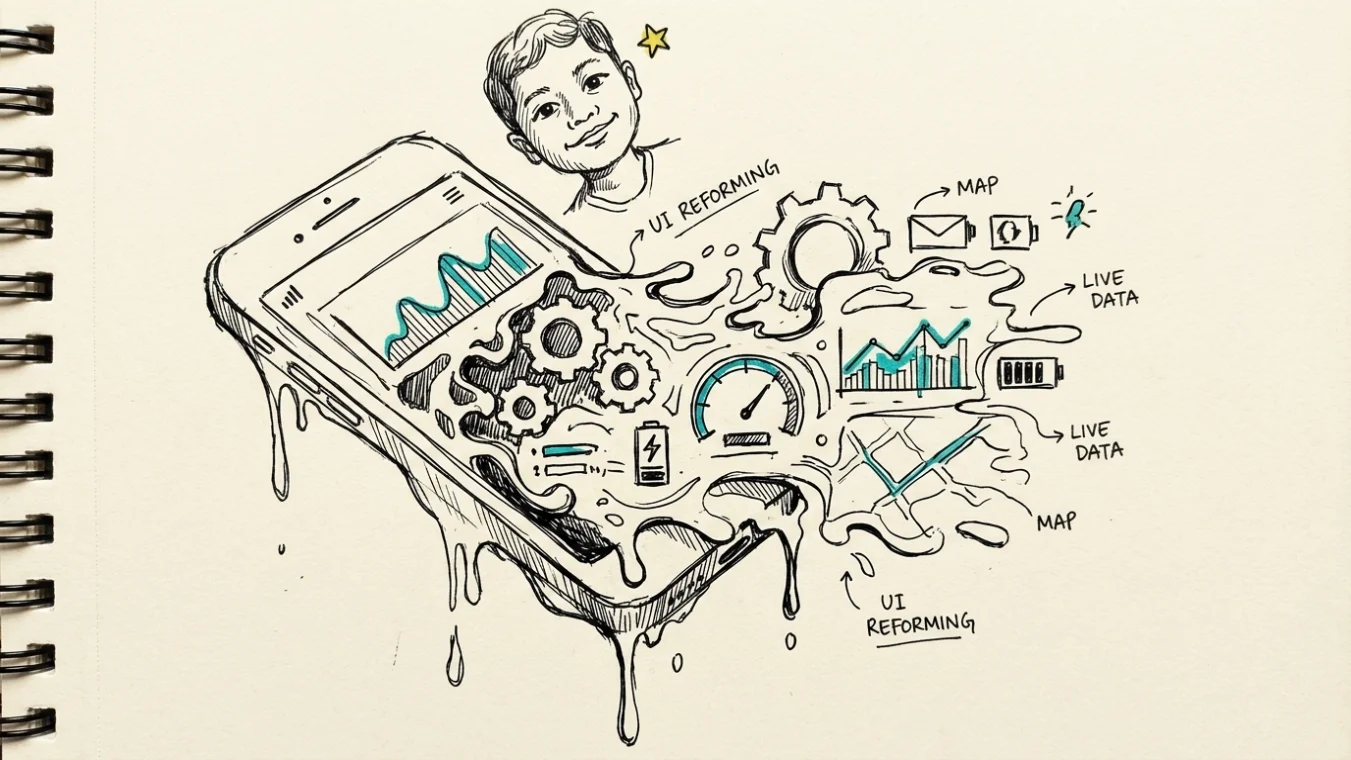
What comes next is not a better app store, but the end of the app store model entirely. Emerging at the intersection of large language models, real-time code execution, and dynamic design tokens is a technological framework known as Generative UI. Instead of opening static software built for everyone, your device will soon render custom, temporary software built exclusively for your immediate intent. The screen will no longer host fixed icons; it will morph on the fly.
📌 App fatigue is not caused by a lack of digital utility. It stems directly from cognitive friction. Requiring humans to switch contexts across dozens of distinct interfaces forces our memory to map dozens of custom navigation structures, creating unnecessary mental overhead.
The End of the Grid: Why Static App Icons Hit a Wall
To understand why the grid is dying, we must look at how software interfaces were historically conceived. Early desktop computing used physical metaphors—folders, trash cans, filing cabinets—to make abstract file systems approachable. When mobile computing arrived, designers extended this thinking by treating every task as a separate virtual appliance. You had a camera tool, a note pad, and a calculator.
This discrete model worked brilliantly when mobile bandwidth was limited and hardware resources were constrained. However, it forced the burden of coordination entirely onto the human user. If you want to plan a weekend trip with three friends, you currently open a messaging app to discuss dates, switch to a browser to look up hotels, launch a maps application to calculate drive times, and open a banking app to split costs. You act as the manual data pipeline between five isolated software boxes.
As explored in our deep dive on the history of artificial intelligence, software development has repeatedly moved toward higher levels of abstraction. We moved from machine code to assembly, from command-line scripts to graphical user interfaces. Generative UI represents the next logical step in this evolution: abstracting away the application container itself.
Consider the structural limitations of the modern home screen:
- Spatial Redundancy: Hundreds of apps replicate identical functions like search bars, profile settings, payment gateways, and hamburger menus.
- Notification Noise: To maintain user retention, static apps push fragmented alerts, competing for fragmented human focus.
- Fixed Interface Layouts: An application interface looks identical whether you are driving at 65 miles per hour, sitting at a desk, or running through an airport.
- Storage and Asset Bloat: Devices store gigabytes of user interface graphics, code frameworks, and media assets that sit idle 99% of the day.
Human attention is finite. Research from the Nielsen Norman Group demonstrates that switching between disparate user interface paradigms increases error rates and task completion times by up to 34%. The friction is not in the code execution speed; it is in our cognitive adapting time.
Demystifying Generative UI: How Code Renders On-the-Fly
Generative UI (GenUI) refers to an architecture where user interfaces are compiled dynamically at runtime by artificial intelligence based on real-time user intent, environmental context, and backend capabilities. Rather than rendering pre-compiled HTML, React components, or Swift views saved on device storage, a generative UI framework synthesizes visual layouts instantly.
How does this operate in technical reality? The process relies on modular visual tokens combined with dynamic intent parsing engines. According to open technical standards discussed by the World Wide Web Consortium (W3C), software systems are transitioning toward standardized semantic design tokens—standardized definitions for buttons, sliders, input fields, and charts that can be safely generated without safety or accessibility risks.

When you communicate a goal to your device—via voice, text, or contextual posture—the system executes a multi-stage compilation pipeline:
First, an intent resolution model parses your request. If you say, “I need to compare flight options to Chicago while keeping my afternoon meetings clear,” the system does not launch a browser or open Kayak. It identifies three distinct capability needs: flight inventory data, calendar telemetry, and interactive scheduling widgets.
Second, an interface generator calls structural component libraries via secure web APIs. It fetches clean data payloads from flight operators and merges them directly with your local calendar schedule. Third, the system outputs a unified layout tree—assembling an interactive timeline where flight durations visually overlap with your existing calendar events on a single canvas.
To understand the fundamental operational differences between static applications and generative UI runtime models, consider the following structural comparison:
| Operational Dimension | Traditional Application Model | Generative UI Framework |
|---|---|---|
| Interface Origin | Pre-designed in Figma, compiled into fixed static binary packages. | Generated dynamically in memory based on immediate contextual intent. |
| Distribution Channel | Centralized app stores (Apple App Store, Google Play Store). | Direct API streaming from specialized capability providers. |
| User Navigation | Manual launching, tab switching, and hierarchical menu diving. | Zero-click contextual presentation on a single fluid canvas. |
| Data Sharing | Isolated sandbox per app; manual copying and pasting between tools. | Unified context layer aggregating verified data across services. |
| Device Footprint | Hundreds of megabytes per application stored permanently. | Lightweight component schemas cached locally in lightweight runtimes. |
This dynamic layout construction requires low inference latency. Research published by the IEEE Computer Society indicates that user satisfaction with dynamic interfaces drops sharply if visual rendering takes longer than 180 milliseconds. To meet this performance threshold, modern systems use speculative compilation—predicting what interactive controls you will need seconds before you explicitly ask for them.
The Role of Multimodal Agents: Context as the Ultimate Interface
Generative UI cannot function in a vacuum. It relies entirely on multimodal AI agents acting as context engines. As explained in our guide on how generative AI models work, underlying systems process multiple inputs simultaneously—text, audio, telemetry, visual data, and historical preferences.
Context is far more than your geographic GPS coordinates. A modern context vector synthesized by an AI agent combines dozens of real-time signals:
- Physical Telemetry: Heart rate, motion speed, ambient light, and current environmental noise.
- Temporal State: Time of day, upcoming calendar commitments, and habit loops mapped over past weeks.
- Active Hardware State: Device orientation, battery level, connected peripherals, and available network throughput.
- Social and Relational Signals: Nearby contacts, active communication threads, and shared group tasks.
💡 TIPS PRAKTIS: Tech professionals preparing for the shift to generative UI should prioritize learning schema-first design systems like JSON-Schema and standardized Web Components rather than platform-specific app styling.
Imagine walking through a bustling international terminal. You arrive with a carry-on bag, and your smartwatch records an elevated heart rate of 112 beats per minute. Your flight boards in 14 minutes from Gate B22, located 400 meters away.

In a traditional world, you unlock your phone, find your airline app, swipe past promotion banners, find your digital boarding pass, and then switch to a airport map app to find the gate. In a generative UI paradigm, your screen transforms automatically as you raise the phone. It presents a high-contrast boarding QR code right alongside a simplified, high-visibility directional vector pointing toward Gate B22, accompanied by a single button to order a bottle of water at a kiosk along your exact walking path. No app store installation occurred; the screen adapted to the physical reality of your situation.
Academic research conducted by the Stanford HCI Group emphasizes that context-aware interface morphing reduces task completion steps by an average of 68%. By letting multimodal agents handle state management, human interaction becomes fluid rather than transactional.
Pragmatic Challenges: Security, Trust, and Interface Disorientation
Despite the immense promise, replacing the App Store model with fluid, AI-generated layouts introduces steep architectural, regulatory, and cognitive challenges. Moving away from static software is not merely a design challenge; it fundamentally alters cybersecurity and human visual memory.
The primary concern is security and spoofing. Centralized app stores provide strict review protocols to prevent malicious software execution. If a generative system constructs UI components dynamically, how do users verify that a generated payment card module is authentic? An unauthorized agent could theoretically inject malicious interface elements—a subtle trick known as visual UI injection—to harvest sensitive credit card data or personal identity credentials.
According to cybersecurity analysis from ACM Digital Library, preventing interface fraud in generative frameworks requires cryptographic verification of design components. Every dynamic layout token must carry a cryptographic proof originating directly from verified hardware security enclaves on the host device.
⚠️ Do not assume that dynamic interfaces can completely abandon consistency. Completely changing visual button placement on every screen render disrupts human spatial memory, creating extreme usability confusion.
A second hurdle involves human cognitive psychology: spatial muscle memory. Humans rely heavily on visual consistency. You know intuitively that the send button on your messaging app is located in the bottom-right corner, or that pulling down refreshes a feed. If an AI engine alters button locations, spatial orientation, or colors every few minutes, users experience disorientation and fatigue.

To safely deploy generative UI systems without compromising trust or safety, developers and systems engineers must adhere to clear technical constraints:
- [x] Cryptographic verification of all design tokens rendered from external API endpoints
- [x] Universal spatial anchors to preserve essential interaction muscle memory
- [x] Explicit user permission boundaries regarding real-time context and location harvesting
- [x] Deterministic fallbacks to simple static controls whenever network latency exceeds 120ms
- [x] Standardized open API protocols for capability discovery across cloud providers
Finally, there is the economic reality of the app marketplace. Platforms like Apple and Google generate billions through app store commission fees on digital purchases. Retiring the traditional App Store requires building an entirely new economic engine. Instead of taking a 30% cut on app downloads, platform owners will transition toward capability usage fees, monetizing the underlying API brokers and context arbitration layers that allow third-party services to feed data into generative screens.
The Five-Year Horizon: How the App Store Transitions
The transition away from app stores will not occur overnight through a dramatic platform announcement. It will happen quietly, incrementally, and invisibly over the coming half-decade. We are already observing the first phase of this migration in OS-level integrations like Apple Intelligence, Google Gemini System Services, and Microsoft Copilot.
As covered in our analysis of future tech trends prediction, operating systems are gradually absorbing the functionality of standalone utility apps. Weather widgets, basic calculators, unit converters, flight tracking tools, and basic photo editing software are no longer downloaded; they render inline within search bars, notification centers, and messaging threads.
By 2028, operating systems will likely launch into a single, continuous interactive surface—a morphing canvas that replaces the home screen entirely. Instead of opening an app store to find software, you will simply express an intent or allow your device’s contextual sensors to anticipate your immediate need. Software will exist not as pre-packaged files to be installed, but as ephemeral visual capabilities instantiated in milliseconds and dissolved the moment your task is complete.
The era of collecting rows of colorful icon boxes on a 6-inch rectangle is nearing its end. In its place, the screen will finally live up to its true potential: a dynamic mirror reflecting our intent, context, and immediate reality without the friction of the app store model.